
Knowledge Desk
All Legal
Production FAQs.
Definitive answers for attorneys and litigation teams on legal videography, remote depositions, site inspections, and the technical workflows around the record.
Showing 71 practical answers
Legal Videography
Capture the record
The service can include proceeding setup, professional video and audio capture, and delivery coordinated around the matter. The exact workflow depends on the proceeding and requested deliverables.
Caption Legal is structured for nationwide coordination. Share the location, format, and timing through the service request so the appropriate workflow can be reviewed.
Yes. Legal video editing and transcript synchronization are separate services that can be coordinated when the matter needs a more navigable or presentation-focused record.
In-person Depositions
Composed room presence
The videographer arrives well before the scheduled start time to establish the room layout, ensure clean audio capture, and configure the framing without rushing the legal team.
The capture plan can use multiple microphones and careful placement to prioritize each speaker and reduce avoidable room noise. The setup is adapted to the acoustics and seating arrangement on site.
Yes. When exhibits or physical demonstrations are involved, the capture approach is adapted to ensure the interaction is clearly documented on the record.
Media is delivered in standard, review-ready formats suitable for litigation support software. Specific format requirements can be coordinated during the initial request.
Hybrid Depositions
Cross-room continuity
A remote deposition typically involves all participants joining virtually from separate locations. A hybrid deposition occurs when a core group—such as the witness and defending counsel—are in the same physical room, while other participants join via a virtual platform.
The audio plan can use dedicated routing between the in-room microphones and the virtual platform. Equipment placement, monitoring, and platform settings are reviewed to reduce echo and feedback during the proceeding.
The exhibit workflow can be planned so remote participants have a clear way to follow materials presented in the room. Share the expected exhibit format in advance so the appropriate capture and display approach can be reviewed.
Caption Legal can coordinate around common video conferencing platforms used for legal proceedings. The platform, participant access, and room requirements are reviewed during initial planning.
Remote Depositions
Proceed from anywhere
Yes. The workflow can be shaped around fully remote testimony or a hybrid proceeding that connects an in-person room with participants joining from other locations.
Useful starting details include the date and time zone, preferred platform, participant roles and locations, exhibit format, whether any participant will join from a conference room, and the recording or delivery requirements.
Caption Legal can coordinate around major video-conferencing platforms used for legal proceedings. Platform access, participant requirements, screen-sharing controls, breakout-room needs, and available exhibit features are reviewed before the session.
The exhibit workflow can be planned around advance file preparation, clear identifiers, controlled sharing, annotation, and marking features available within the selected platform or exhibit tool. Counsel and the court reporter remain responsible for any stipulations, procedural requirements, chain-of-custody decisions, and determinations about authenticity or admissibility.
Pre-deposition checks help identify audio, camera, bandwidth, access, and screen-sharing issues before testimony starts. The team can also establish backup contact methods and a clear pause-and-resume protocol so participants know what to do if a connection is interrupted.
Access controls, participant authentication, waiting rooms, private breakout rooms, and platform permissions can be reviewed as part of the technical plan. The legal team should establish the governing confidentiality and privilege protocol for the matter.
Yes. Legal video editing and transcript synchronization can be coordinated when the recorded proceeding needs a more navigable, searchable, or presentation-ready review experience.
Med-Legal Videography
Document the examination
Yes, in many jurisdictions, but it depends strictly on state statutes, case law, and specific court orders. In personal injury and civil litigation, plaintiffs may have a right to protect their legal interests by documenting an examination conducted by an adversarial, defense-retained doctor. Defense counsel may also seek a protective order to block video recording. Caption Legal recommends that the hiring attorney verify local rules and serve a formal Notice of Examination specifying that a legal videographer will be present, or obtain a written stipulation or court order before the exam date.
We use a specialized remote-monitoring setup that keeps the videographer entirely outside the examination room. A silent, high-definition camera is placed on a fixed tripod inside the testing room, positioned outside the patient’s direct field of view. The videographer monitors a discreet audio and video feed from the hallway or an adjacent room. If a court order prohibits recording the exact text of proprietary test materials, the audio can be muted during those segments while the visual feed remains live to document non-verbal reactions and behavioral fatigue.
Our videographer will document the interaction to protect the record. When a doctor or clinic refuses to proceed, the camera and audio remain active as permitted, the exact dialogue is captured, and the date, time, plaintiff’s presence, and willingness to submit to the examination are documented. This creates a clear record for the hiring attorney to evaluate in connection with a motion to compel, motion for sanctions, or other next step.
No. A professional legal videographer must remain a strictly neutral, silent, third-party observer. We cannot object to questions, advise the plaintiff not to answer, tell the doctor to stop a physical maneuver, or intervene in the examination. Our role is to capture every permitted moment clearly so the plaintiff’s attorney can evaluate the record and decide how to respond through the appropriate legal process.
Admissibility depends on the applicable federal or state rules, the facts of the matter, and the court. Caption Legal supports a defensible technical record through continuous time-stamping, redundant audio capture, and delivery of an unedited master file with a clear chain-of-custody handoff.
- Continuous time-stamping to document the sequence and duration of the examination.
- Redundant audio capture, including ambient and permitted wireless microphones.
- Unedited master file delivery, with any requested clips or montages created from secondary files.
Legal Video Editing
Shape the evidence
Requests may include deposition video, proceeding footage, trial presentation material, or other legal video that needs a more focused and organized review experience.
Yes. Editing can be coordinated as part of the initial service request or considered later when the legal team knows how it wants to use the footage.
The editing workflow is designed to create a useful deliverable while preserving clarity about the source material. The requested use and deliverable should be discussed before work begins.
Transcript Synchronization
Make testimony searchable
It connects the written transcript to the corresponding moments in a video, allowing a reviewer to move between the words and the recording.
Those are the standard source materials. Share what is available and the requested deliverable so the workflow can be scoped accurately.
Yes. It can be requested alongside legal videography or considered later when the transcript and video are ready for review.
Legal Captioning
Make the record accessible
Caption Legal provides closed captioning, open captioning, transcript synchronization, subtitle creation, live captioning, and accessibility solutions for legal proceedings, government meetings, educational content, healthcare organizations, corporate communications, webinars, podcasts, and video productions.
Yes. Captioning and transcript synchronization can support depositions, arbitrations, mediations, hearings, administrative proceedings, trials, and other legal video recordings.
Captions include spoken dialogue as well as relevant sounds, speaker identification, and audio cues. Subtitles primarily translate spoken dialogue for viewers who can hear the audio but speak a different language.
Captions improve accessibility, support engagement and comprehension, make content easier to search, and allow viewers to consume media in sound-sensitive environments. They can also support an organization’s ADA and WCAG accessibility efforts.
Yes. Live captioning can support conferences, webinars, public meetings, educational lectures, legal proceedings, corporate events, and virtual meetings.
Captioning workflows combine advanced technology with professional quality review to produce highly accurate captions suited to professional, educational, governmental, and legal environments.
Caption Legal understands the importance of confidentiality, particularly for legal, healthcare, government, and corporate clients. Secure workflows and file handling procedures are used throughout the captioning process.
Turnaround depends on project length, complexity, and urgency. Expedited services may be available for time-sensitive projects; share the content details and requested deadline so the workflow can be reviewed.
Caption Legal works with law firms, court reporting agencies, government agencies, educational institutions, healthcare organizations, corporations, media companies, content creators, nonprofit organizations, and professional associations nationwide.
Trial Technician Services
Prepare the evidence
A trial technician helps prepare, organize, and present digital evidence. The work may include deposition synchronization, exhibit management, clip retrieval, courtroom playback, presentation-platform preparation, and coordination with courtroom AV personnel.
When video is aligned with the transcript, counsel can search testimony, locate admissions, retrieve impeachment clips, and move from cited language to the corresponding moment more directly.
Yes. The workflow can include exhibit sharing, remote witness feeds, transcript alignment, and presentation coordination across in-person, hybrid, and fully remote environments.
The appropriate platform depends on the matter and the legal team’s existing workflow. Common litigation technology environments may include TrialDirector, OnCue, Summation, CaseMap, LexisNexis, and structured Excel-based litigation analytics.
Preparation can include pre-trial courtroom AV testing, backup media and databases, format compatibility checks, time-stamped video validation, and contingency planning for foreseeable presentation issues.
Turnaround depends on the volume, source materials, complexity, and deadline. Expedited or rush workflows may be available for time-sensitive matters; share the project details so the schedule can be reviewed.
When included in the scope, a trial technician can help call up exhibits, play designated clips, navigate synchronized testimony, adjust presentation elements, and coordinate with courtroom AV personnel.
A useful workflow combines careful preparation, platform fluency, clear evidence organization, and awareness of courtroom pacing. The goal is to reduce technical friction so counsel can concentrate on presenting the case.
Day in the Life Production
Precision storytelling
A Day in the Life video documents the daily physical, emotional, and practical effects of an injury. Counsel may use it in settlement discussions, mediation, trial preparation, or another case-specific setting to help decision-makers understand how the subject’s daily life has changed.
Each production is planned with evidentiary use in mind, including careful sourcing, restrained editing, and a transparent review process. Admissibility depends on the jurisdiction, the facts, the intended use, and decisions made by counsel and the court.
Productions are led by a senior, litigation-trained professional with trauma-informed interviewing experience. The approach is conversational rather than interrogative, ensuring the subject feels safe and respected.
No. We utilize discreet, professional equipment and typically work solo to minimize intrusion. This low-impact approach helps capture authentic moments without the stress of a traditional film set.
Yes. We offer a collaborative review process to ensure every frame aligns with your litigation strategy, supporting your advocacy while maintaining ethical boundaries.
Legal Interpreters & Translation Services
Every word understood
Interpretation transfers spoken or signed communication between languages during a live interaction. Translation converts written material, such as an exhibit, declaration, correspondence, or transcript, from one language to another. A matter may require either service or a coordinated combination of both.
The right fit depends on the jurisdiction and proceeding. Counsel should consider verified language proficiency, the required dialect, legal-setting experience, subject-matter familiarity, professional credentials when applicable, ethical obligations, references, and comfort with the technology used for remote proceedings.
Yes. Planning can include platform access, audio and video checks, interpretation-channel configuration when available, exhibit-sharing procedures, a communication plan for clarification, and confirmation that the interpreter is working from a private environment.
Provide permitted background materials and terminology in advance, identify names and technical terms, allow additional time, use clear and concise questions, avoid overlapping speech, and establish on-the-record procedures for pauses, corrections, or clarification. Regular breaks also help preserve concentration during longer proceedings.
Translation can be coordinated for exhibits, declarations, correspondence, pleadings, medical or technical materials, and other case documents. Share the intended use, source and target languages, formatting requirements, deadline, and whether counsel believes a certified translation or translator declaration is needed.
The assignment can be scoped around applicable confidentiality agreements, protective orders, secure document handling, private remote environments, and professional ethical expectations. Any matter-specific NDA or access restriction should be identified before materials are shared.
When counsel permits it, advance access to names, specialized terminology, a glossary, selected exhibits, and procedural context can improve preparation. The interpreter’s role remains neutral; the purpose of advance materials is linguistic and logistical readiness, not witness coaching or case advocacy.
Counsel can pause promptly, identify the specific word or phrase, ask for repetition or clarification, and make the issue clear on the record. The proceeding plan should allow the interpreter to flag ambiguity without guessing. Persistent concerns may require a qualified linguistic review or a replacement interpreter.
Interpreted testimony often requires more time than a single-language proceeding, particularly when using consecutive interpretation. The appropriate allowance depends on the interpretation mode, witness, complexity, exhibit volume, and expected length of questioning. Building in breaks and schedule flexibility is recommended.
Matching begins with language and dialect, then considers the legal setting, subject matter, location, interpretation mode, scheduling, technology requirements, and any credential requirements identified by counsel or the venue. Rare languages and specialized technical matters benefit from early notice.
Credential requirements vary by court, agency, jurisdiction, and type of proceeding. If a specific certification, registry status, or qualification is required, include it in the request so availability can be evaluated against that requirement rather than assumed.
Early scheduling provides the best opportunity to match the required language, dialect, credentials, subject matter, and location. Rush requests may be possible, but rare-language assignments, lengthy document translation, and matters with specialized terminology generally require more lead time.
Legal Site Inspections
Document the physical record
It is a planned visual record of a location, condition, or process relevant to a legal matter. The work can document spatial relationships, sightlines, lighting, access, visible damage, and other physical context for the legal team and its experts.
Yes. The inspection can be shaped around roadway geometry, driver sightlines, traffic controls, surface conditions, obstructions, and other points identified by counsel or an expert. Timing and access should be discussed because conditions can change.
Requests involving active, restricted, or hazardous properties are reviewed around site permissions, required briefings, applicable safety rules, and the direction of the property owner or supervising expert. The inspection does not replace the site's safety program.
The capture plan can include specified viewpoints, camera height, direction of view, time-of-day conditions, and relevant environmental details. These observations support the legal team's review without making a legal or expert conclusion about what they prove.
The footage can be organized for review with accident reconstructionists, engineers, architects, human-factors professionals, or other experts. Caption Legal documents the requested visual record; the expert and legal team determine how it should be interpreted or presented.
Useful starting details include the location, matter context, incident or condition being documented, points of interest, access or permission requirements, preferred timing, participants, and the deliverables the legal team expects.
Caption Legal can serve as an objective third-party documentarian for a jointly observed inspection. When the scope calls for it, we can arrange continuous coverage of the agreed inspection steps—including measurements, tool use, part removal, sampling, and other documented actions—so counsel and experts have a clear visual record to review. The legal team and experts determine the inspection protocol and evidentiary significance.
Yes. When an automotive or engineering expert is performing the extraction, Caption Legal can document the connection sequence, the physical tether to the vehicle’s diagnostic port or control module, and the data-transfer screens. Our role is to record the process; the qualified examiner handles the extraction and interpretation of the EDR data.
From the Research Center
Research & Guidance
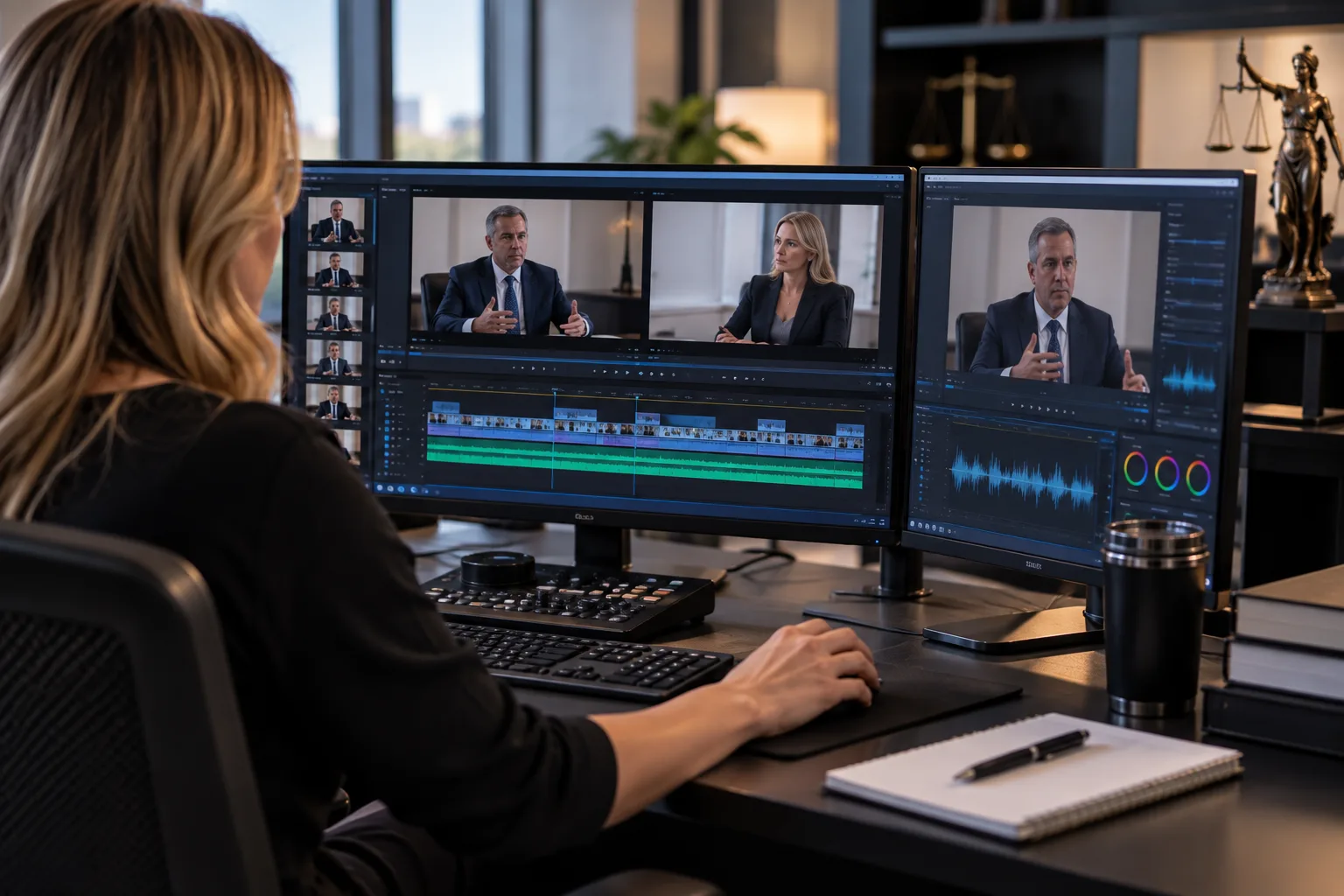
From Deposition to Courtroom: Building Trial-Ready Legal Video, Clips & Synchronized Transcripts
A practical guide to turning recorded testimony into organized, synchronized, trial-ready legal media for litigation teams.
The New Standard for Remote Depositions
A distributed remote deposition succeeds through a deliberately designed, defensible record—from authority and roles to exhibits, capture, interruption response, and verified delivery—not a platform choice alone.
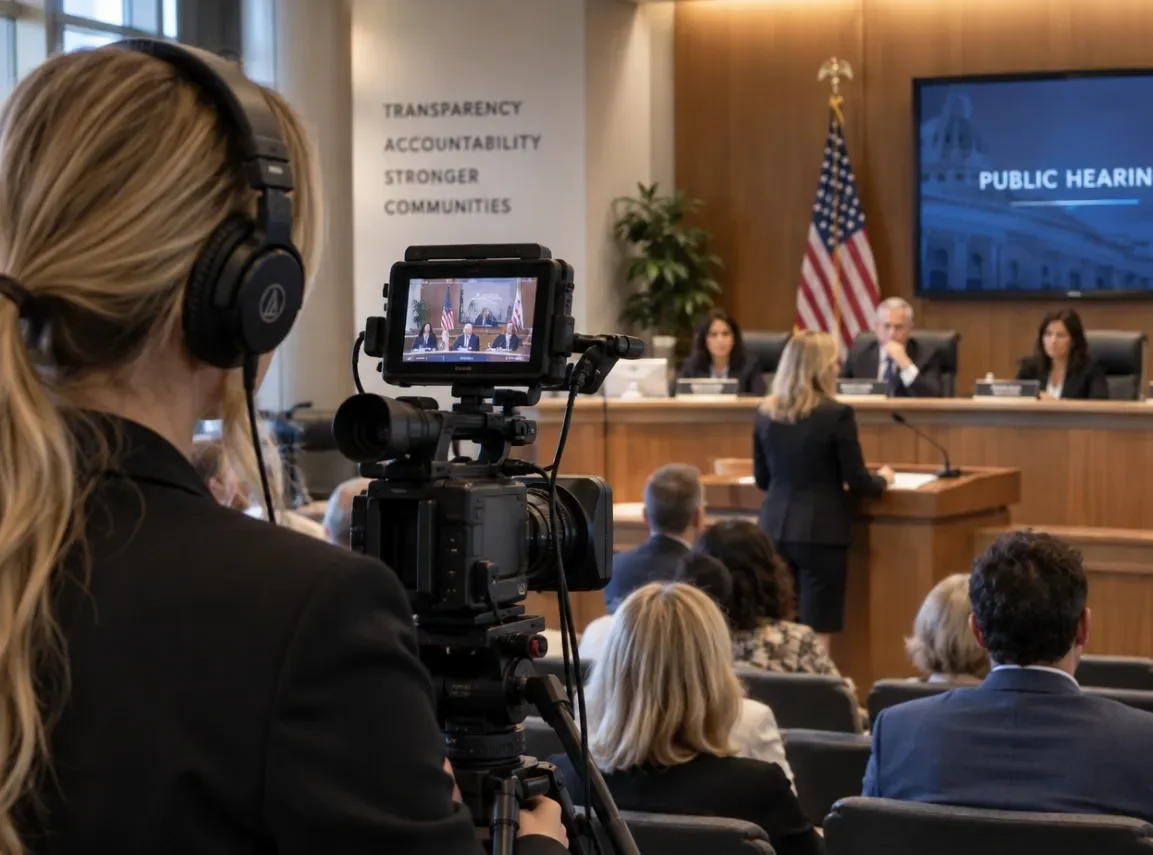
Day in the Life Videos, Legal Recordings & Litigation Video Services Nationwide
Professional legal video can capture the evidence, preserve the story, and show how an injury, loss, or proceeding affects real life in ways documents alone cannot.
Professional Legal Video Editing & Production Services | Nationwide Coverage
Caption Legal delivers fast, affordable, and completely confidential legal video editing and production services to attorneys, law firms, and litigation support teams across all 50 states.
Direct coordination
Still have questions?
Every matter has unique technical requirements. Reach out to discuss the specifics of your upcoming proceeding.
Contact our team