Issue-led organization
Counsel-defined topics and review questions structure the requested media.
 NationwideLegal video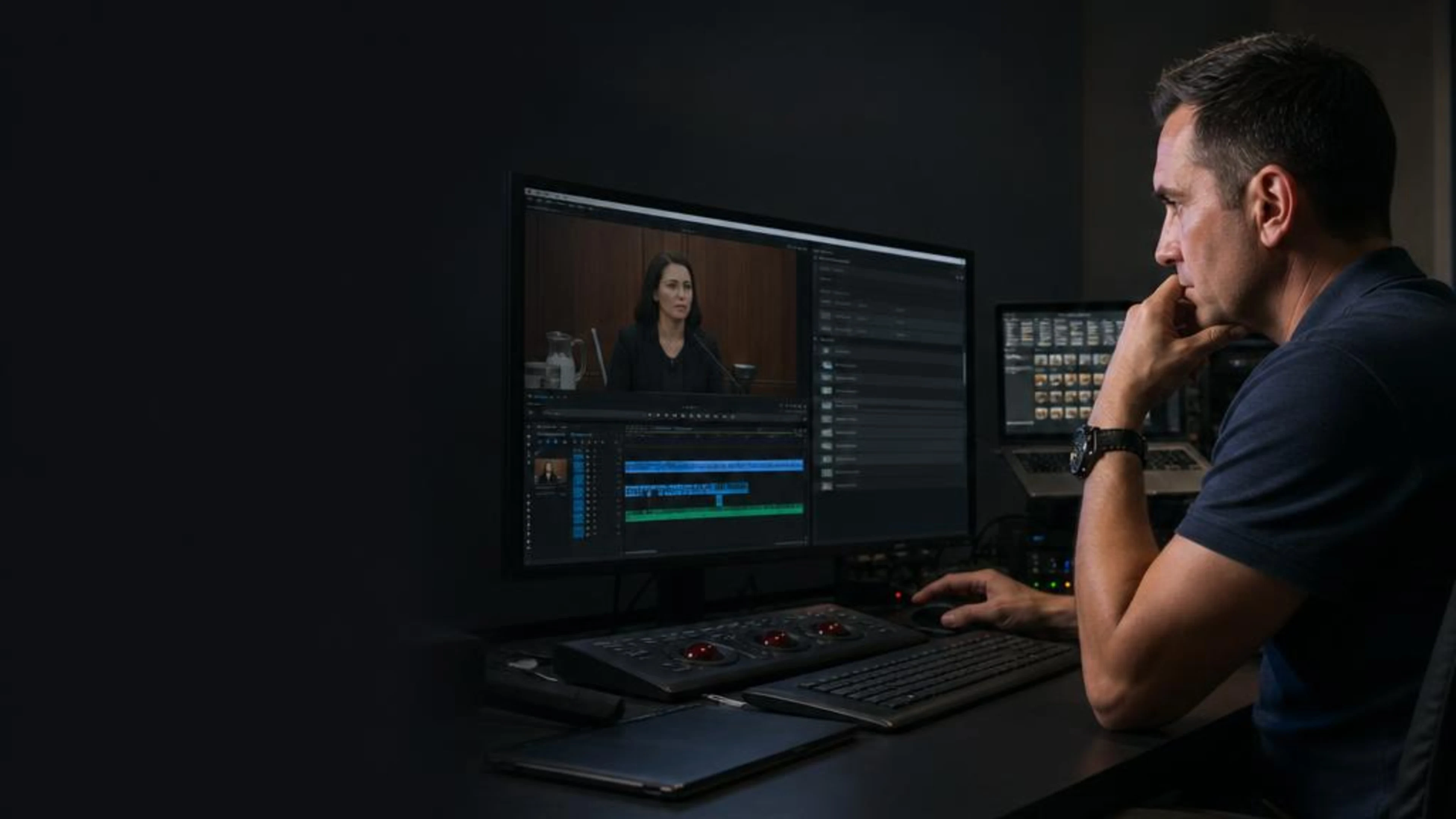
Build an attorney-directed edit around the matter’s issue map, then govern comments, approvals, and versions so each requested file has a clear review history.
Issue-led organization
Counsel-defined topics and review questions structure the requested media.
Single comment authority
A designated contact consolidates legal-team direction.
Visible version status
Working, approved, and superseded files remain distinguishable.
Use-specific release
Counsel identifies the version authorized for each requested purpose.
A useful editing brief explains how counsel has organized the material before it asks post-production to change the media.
For a San Jose matter, counsel may be preparing media for team assessment, a confirmed state or federal proceeding, or another authorized presentation. An issue map can connect each requested segment to a witness, topic, proceeding stage, or review question without asking the editor to infer why footage matters.
Version governance is the companion decision. The legal team designates who consolidates comments, what identifies a working cut, when a version is approved, and which file is released for its stated use. Caption Legal executes the requested media work but does not choose legal themes, resolve conflicting attorney comments, or determine whether material may be presented.
Explore the national Legal Video Editing serviceSan Jose coordination
Tell us what the record needs next. We’ll coordinate the right technical setup for your proceeding.
An issue-led model separates legal judgment from production activity and gives every version an accountable status.
Associate requested media moments with counsel-defined witnesses, topics, or review questions rather than leaving production to infer relevance.
Identify the person who will reconcile feedback from attorneys, experts, or other authorized reviewers before instructions reach the edit.
Define how working, review, approved, and superseded files will be labeled so the team can distinguish them.
Specify which approved version is intended for internal review, proceeding preparation, or an attorney-directed presentation.
Different outputs can draw from the same media while retaining separate approval paths.
Requested excerpts assembled around an issue map supplied by the legal team.
Clearly identified files circulated to authorized reviewers before approval.
A designated version prepared for the particular purpose confirmed by counsel.
The editing path moves through legal organization and controlled approval rather than an open-ended cycle of edits.
Counsel supplies segment references and the witness, topic, or review question assigned to each.
The team names the comment consolidator, reviewers, version labels, and approval decision-maker.
Conflicting or incomplete comments are resolved by the designated legal-team contact before the next requested version.
Counsel identifies the version authorized for its stated use and the recipients who should receive it.
San Jose / next step
Call our scheduling team or share the proceeding details. We’ll help coordinate the next technical handoff.
San Jose matters may require counsel to distinguish materials intended for a Santa Clara Superior Court assignment from those intended for a federal assignment or remote review. The edit brief should identify the relevant proceeding context without assuming that technical production determines court requirements.
When attorneys or other reviewers are working from different locations, one designated comment authority and consistent version labels help prevent parallel feedback from producing ambiguous instructions.
Explore all services in San JoseLegal videography creates source media, transcript synchronization connects recorded testimony to text, captioning supports accessible playback, and trial technician services support attorney-directed presentation. Each remains separately scoped from editing.
Professional video and audio capture for depositions, hearings, examinations, and other recorded legal proceedings.
Synchronized transcript and video deliverables that make recorded testimony easier to navigate.
Technical support for synchronized testimony, exhibits, courtroom presentation, and hybrid proceedings.
Professional captions for legal proceedings, recorded testimony, and review-ready media.
From the Research Center
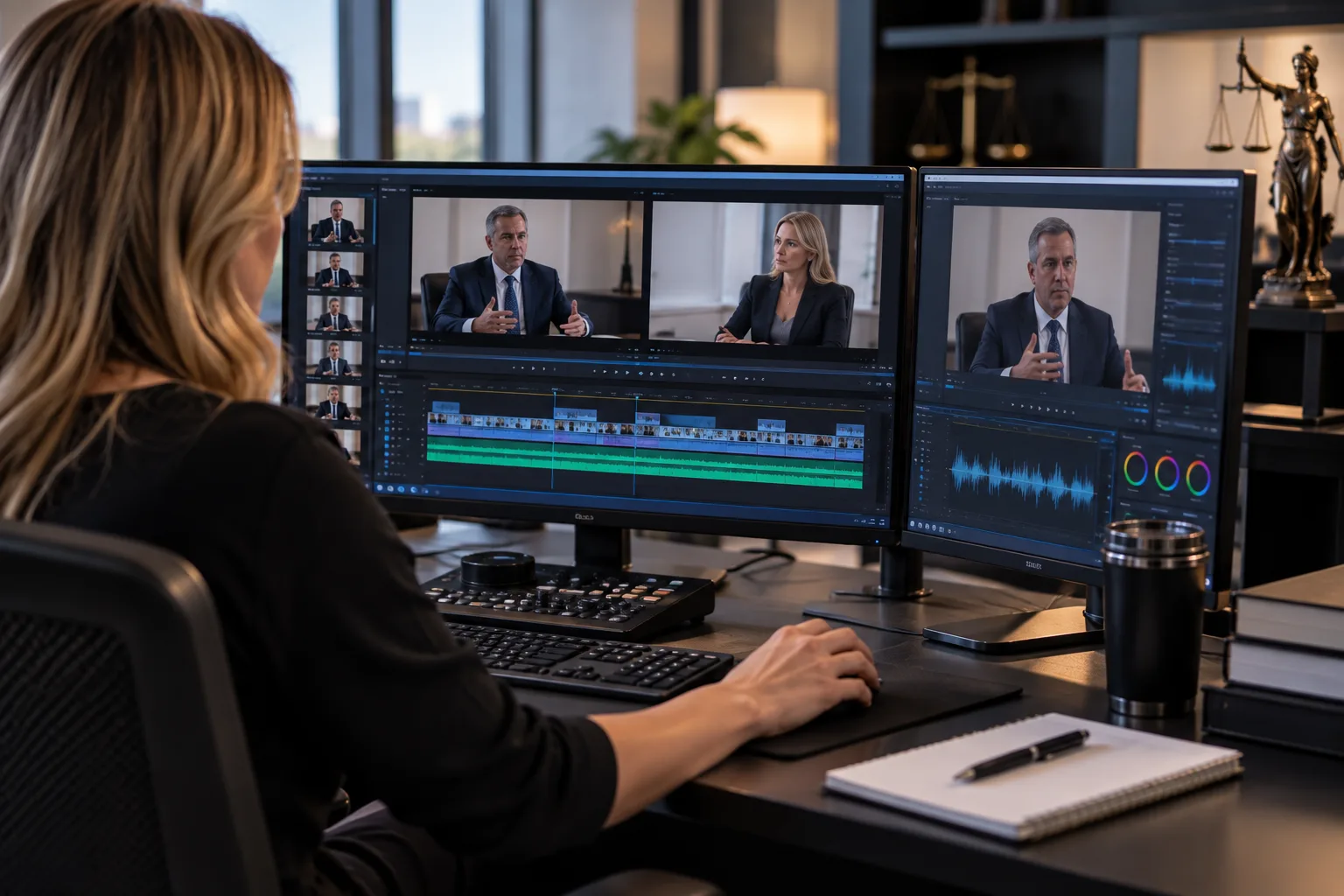
A practical guide to turning recorded testimony into organized, synchronized, trial-ready legal media for litigation teams.
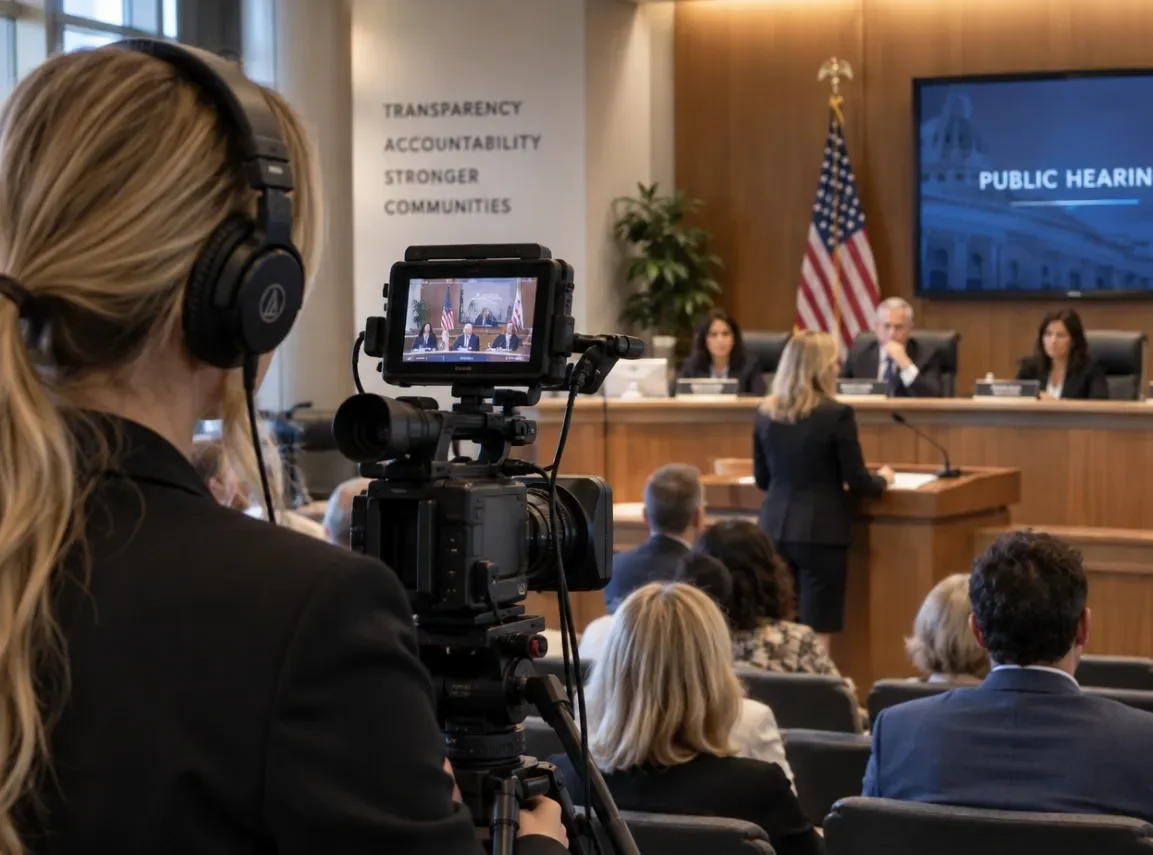
Professional legal video can capture the evidence, preserve the story, and show how an injury, loss, or proceeding affects real life in ways documents alone cannot.

Caption Legal delivers fast, affordable, and completely confidential legal video editing and production services to attorneys, law firms, and litigation support teams across all 50 states.

Legal video editing and deposition sync work is its own specialty.
Pricing
Pricing packages starting at $135. Get a quote for exact rates for your needs.
Time-sensitive assignments
Same-day services may be available for qualifying assignments with approximately 2–6 hours advance notice, subject to location, scope, and professional availability.
These answers address issue mapping, comment authority, and control of working and approved versions.
Counsel can identify each requested segment, the relevant witness or topic, and the review purpose. The map supplies organization without delegating legal judgment to production.
Designate one authorized contact to reconcile comments and return a single instruction set. Caption Legal does not decide between conflicting legal-team directions.
The request should establish agreed version labels and identify who may approve a file for its stated use. Superseded drafts should remain distinguishable from the approved version.
Pricing packages start at $135. Request a quote for exact rates based on the issue map, media, review structure, timing, and requested deliverables.
Send the counsel-defined issue map, segment references, review authority, version-labeling plan, intended use, and requested timing for the legal team’s edit.
Request Services